

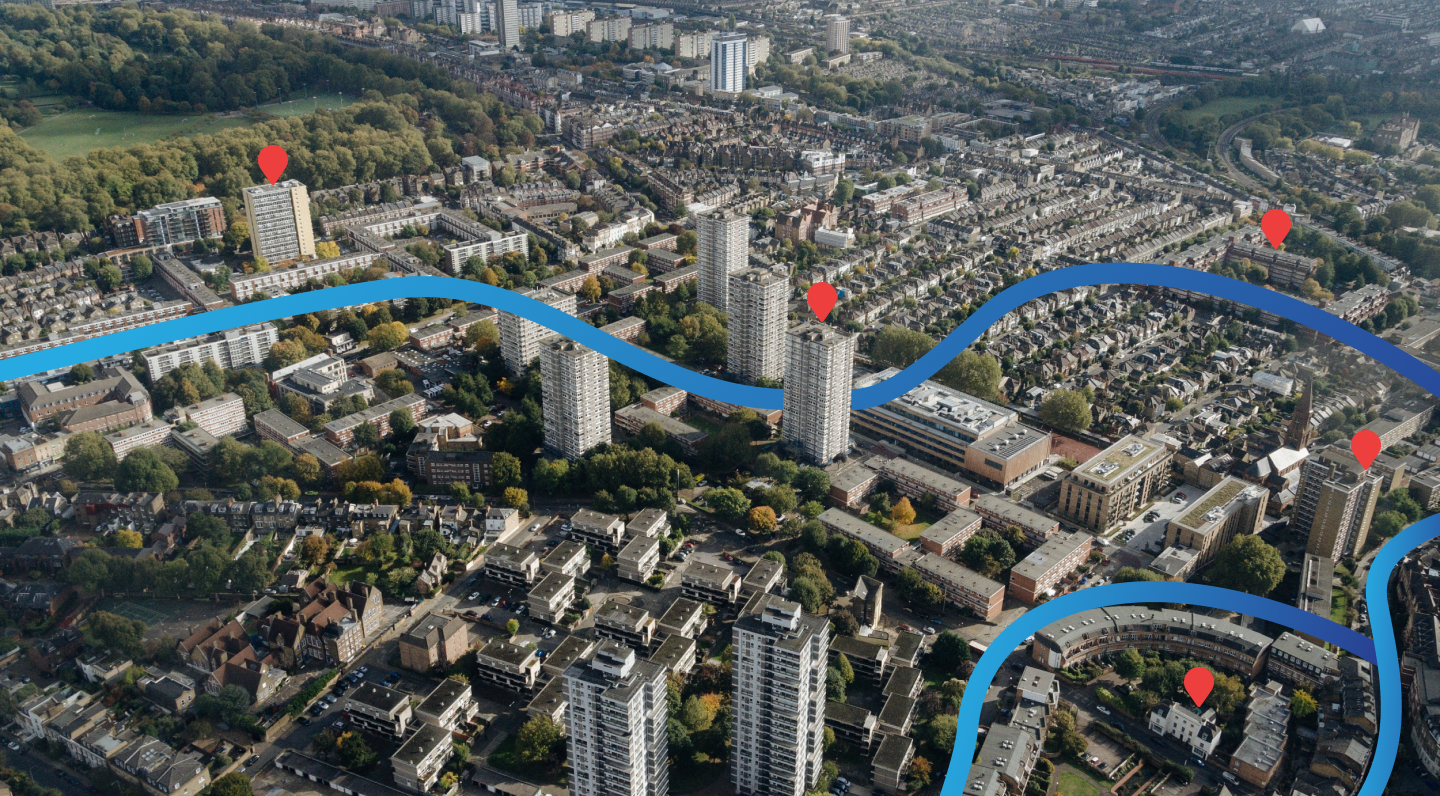
Build Your Own Property Intelligence Layer
Custom Markers and Notes allow you to overlay your own knowledge and research on top of MapView’s data. Create a personalised map of properties you’ve visited, sites you’re monitoring, or investment opportunities you’re tracking.
Marker Features
Create Markers Anywhere
Place markers on any address, intersection, or geographic coordinate:
- Drag and drop onto the map
- Type in an address to pin automatically
- Import from CSV for bulk marker creation
Rich Customisation
Make each marker meaningful with:
- Custom icons and colours by category
- Text notes with rich formatting
- Photo attachments: upload site visit photos
- Star ratings: your own scoring system
- Category tags: organise by project, client or type
Categories & Organisation
Organise markers into custom categories:
- Create unlimited categories (e.g., “Pending Due Diligence”, “Portfolio”, “Client Sites”)
- Colour-code by category for instant visual differentiation
- Filter map view to show only selected categories
Note-Taking
For each marker:
- Add unlimited text notes
- Include checklists for due diligence items
- Record dates, contacts, and action items
- Attach reference documents or links
Sharing & Collaboration
- Share markers with team members or clients
- Export to PDF for printed presentations or reports
- Export to CSV for integration with other tools
- Shareable links: send a specific marker to anyone
Use Cases
Property managers: Keep notes on every managed property Investors: Track your due diligence process for prospects Developers: Manage site acquisition shortlists Agents: Record client requirements and matched listings Planners: Mark sites of interest with planning notes