

Know what’s going on around you
The Building Activity score shows how much building and development is happening around the property. A block of units going up next door is much better to find out about now than after settlement.
If you’re thinking of adding on later, Extension Potential gives you an early read on whether the block suits it.
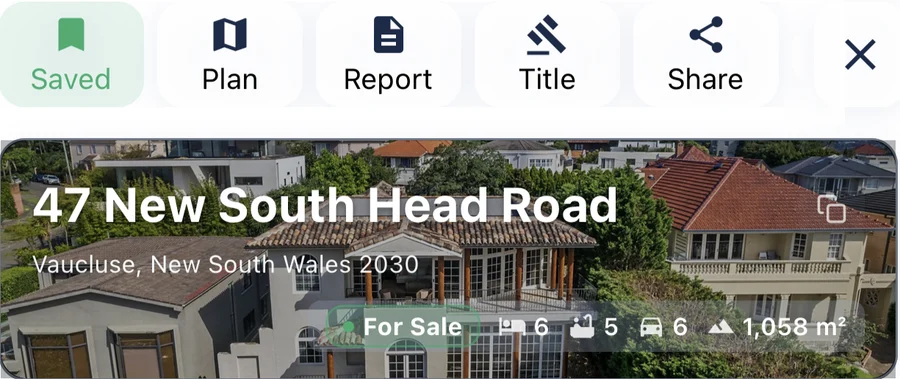
What it sold for last time
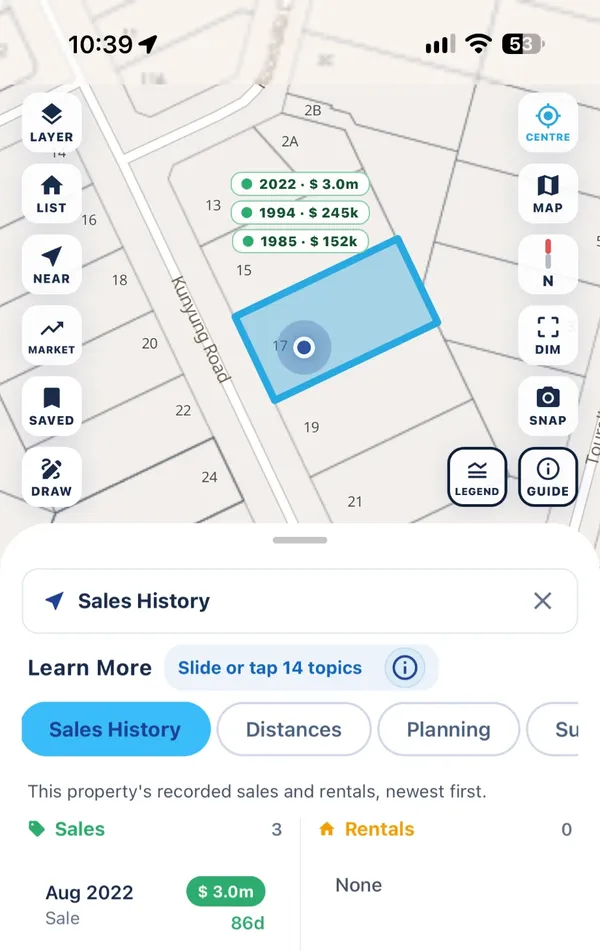
The Sales History topic lists every recorded sale and rental for the property, newest first, and pins the prices on the map. It’s a good place to start before you decide what to offer.
The Property Report
Everything in the app is free to look up. If you’d like it all in one easy-to-read document, to keep or share with your conveyancer, you can get a PDF Property Report. It’s the only thing MapView charges for, and it brings together:
- Title details
- Land size and dimensions
- Zoning and planning rules
- Property photos
- Planning permit history
- Sales history
The bigger picture
The Suburb Report covers the suburb’s description and history, who lives there, the mix of zoning, sales data, a boundary map and nearby planning permits.
A note before you sign
MapView helps you ask better questions. It isn’t legal or financial advice, so talk to your conveyancer or solicitor before you commit.


